
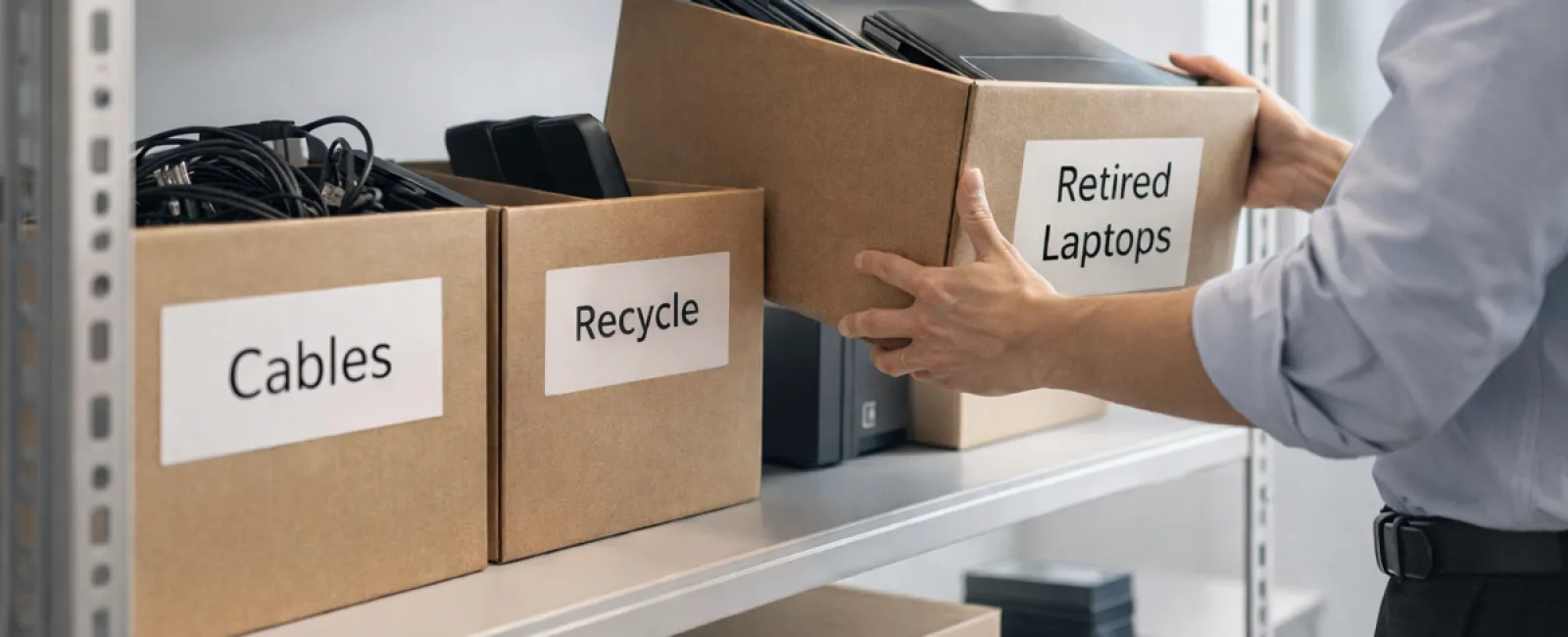
Most spring cleaning kicks off with closets, but for businesses, clutter extends far beyond just clothes.
Your clutter could be on a server rack, hidden away in a storage room, stashed in an unused office, or piled up in a box labeled "we'll sort this later."
Outdated laptops. Old printers. Backup drives from tech upgrades long past. Boxes of cables no one wants to discard "just in case."
Every company accumulates these items over time.
The key isn't whether you have this equipment, but whether you have a smart plan to manage it moving forward.
Technology Has a Defined Lifecycle — Beyond the Purchase Date
New tech comes with reasons: faster speeds. Improved security. Greater capability. Enabling growth.
While most businesses thoughtfully plan technology purchases, few thoughtfully plan their retirement.
Equipment retirement often happens quietly. Devices get swapped out, tucked away, then eventually someone tries to create more space.
That's typical.
What's not common is applying the same intentional strategy to retiring technology as to acquiring it.
Used tech still holds value, recyclable materials, and possibly sensitive data. It can weigh down operations if left unmanaged, occupying space and focus.
Spring is an ideal moment to ask: What equipment is still useful, and what is just consuming space?
An Effective Strategy for Organizing Your Tech
If this topic deserves more than a passing thought, apply our straightforward four-step plan.
Step 1: Conduct an Inventory
Identify what gear is up for retirement: laptops, phones, printers, network devices, external drives? You can't manage what you haven't recognized, and a simple survey often uncovers more than anticipated.
Step 2: Choose a Purposeful Destination
Devices usually fall into three categories: reuse (internally or donated), recycle (via certified e-waste programs), or destruction (when data confidentiality demands it). The vital part is consciously deciding their fate rather than letting hardware languish in storage limbo.
Step 3: Properly Prepare Devices
A bit of diligence at this stage makes a significant difference.
If reusing or donating, remove devices from management systems, revoke access, and ensure complete data wiping—not just factory resets. Simple file deletion or quick formats only erase file maps; data remains recoverable.
Research by Blancco, a data security firm, revealed that 42% of used drives sold on eBay still contained sensitive information like tax files and passports, even though sellers claimed proper wiping. Certified data erasure tools overwrite all sectors and provide verification reports.
If recycling, always use certified e-waste providers—not curbside or dumpsters. Note: Best Buy's recycling program serves household residents only, not businesses.
Commercial equipment requires certified IT asset disposition (ITAD) or business-oriented e-waste recyclers certified by e-Stewards or R2, searchable at e-stewards.org and sustainableelectronics.org. Your IT provider can usually coordinate this.
If destruction is needed, opt for certified wiping or physical destruction methods like professional shredding or degaussing, and keep thorough records: serial number, method, date, and personnel involved.
This isn't paranoia; it's about responsibly closing the lifecycle loop.
Step 4: Document and Move Forward
After equipment leaves your premises, track its destination, handling, and confirm access removal. Documentation clears lingering doubts.
Often Overlooked Devices
Laptops often get the spotlight, but many devices go unnoticed.
Phones and tablets may retain email accounts, contact lists, or authentication apps. Factory resets cover much of this, but certified mobile wiping tools offer greater thoroughness. Major brands like Apple and Samsung often run trade-in programs, offering credit toward new gear—even for older models.
Modern printers and copiers often house internal hard drives storing copies of every document printed, scanned, copied, or faxed. When returning leased units, get written confirmation that drives will be wiped or extracted before redeployment.
Batteries are classified as hazardous waste by the EPA. Many states (like California, New York, Minnesota) ban discarding rechargeable batteries in regular trash from businesses. Remove batteries when possible, tape terminals to avoid shorts, and recycle via certified drop-off points. Call2Recycle.org lists locations, with Staples, Home Depot, and Lowe's accepting rechargeable batteries at most stores.
External drives and retired servers often live in closets longer than planned, deserving the same retirement care.
A Note on Recycling
April brings Earth Day, a great reminder to act responsibly.
Electronic waste shouldn't end up in landfills. Globally, we generate over 62 million metric tons of e-waste yearly, with only about 22% properly recycled. Components like batteries, monitors, and circuit boards belong in certified recycling streams. Most communities offer certified e-waste recycling options for this reason.
Handled properly, retiring technology is operationally clean, eco-friendly, and strategically smart. You don't have to choose between security and responsibility — you can achieve both.
Additionally, sharing your responsible tech retirement on social media can positively showcase your company's commitment without making a fuss.
The Larger Potential
Spring cleaning is about more than clearing clutter - it's about creating space for opportunity.
Removing obsolete tech is one part of the picture, but taking time to evaluate your overall technology strategy raises an important question: Does your current technology support your business goals?
Hardware evolves, but today's growth comes from software, systems, automation, and optimized processes driving productivity and profit.
Properly retiring old equipment is tidy management. Aligning the rest of your tech with your aims ensures steady forward momentum.
How We Help
If you already have a clear, routine process for retiring equipment, excellent. That's how it should feel: simple and habitual.
As you responsibly replace hardware, it's also an ideal time to evaluate your broader technology ecosystem. Are your systems synchronized? Do your tools integrate smoothly? Is your technology a growth catalyst or just keeping the lights on?
If you want to pause and assess how your tech stack, processes, and systems impact productivity and profitability, we're here to talk.
No equipment checklists. No pushy sales pitches. Just practical discussions on optimizing technology for your business success.
Click here or give us a call at 252-240-3399 to schedule your free 15-Minute Discovery Call.
If this inspired you, share it with other business owners. Let's make smart tech management the norm.
Let your spring cleaning extend beyond closets, including the vital technology systems that power your business.


