
April 1 passes, and the notorious pranks and fictitious claims fade away. But scammers? They never take a break.
Springtime marks a peak season for cybercriminals—not due to negligence, but because bustling schedules and divided attention create openings for deception.
During these hectic days, cleverly disguised scams slip past even vigilant employees, looking harmless until damage sets in.
Here are three scams currently targeting knowledgeable and diligent team members, trying to stay productive.
As you review, consider this: Would your entire staff recognize and stop these scams before it's too late?
Scam #1: Fake Toll or Parking Fee Alerts via Text
An employee receives a text:
"Unpaid toll charge of $6.99 detected. Settle within 12 hours to prevent penalties."
This message cites a legitimate toll system—E-ZPass, SunPass, or FasTrak—matching the recipient's region. The fee seems minor and non-threatening.
Pressed between meetings, an employee clicks the link, makes payment, and moves on.
But the link is a trap.
The FBI logged over 60,000 fraud reports related to bogus toll texts in 2024, with a staggering 900% surge projected in 2025. Researchers uncovered more than 60,000 counterfeit sites mimicking state toll systems—a massive network fueling these scams. Alarmingly, victims include residents in states without toll roads.
The scam's success stems from the small dollar amount and the common experience of recent toll or parking usage, making the message credible.
Your defense: Legitimate toll agencies never demand instant payment via text links. Establish a clear rule: Payments must be processed through official websites or apps only. Employees should never respond to such texts—not even to opt out—as replies confirm active numbers, inviting more fraud attempts.
Easy convenience lures victims; strict payment procedures create protection.
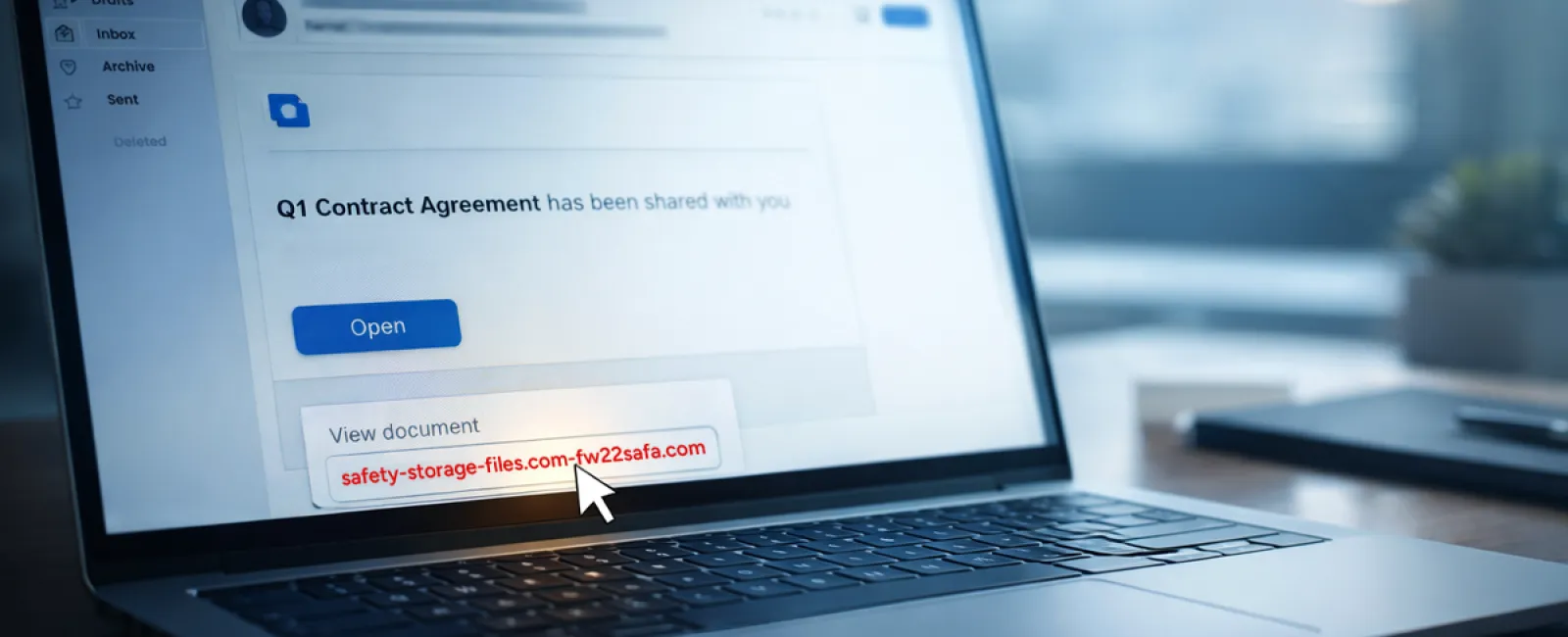
Scam #2: "Your File Is Ready" Phishing Emails
This scam fits seamlessly into daily business operations.
Team members get emails notifying them of shared documents, such as contracts via DocuSign, Excel sheets on OneDrive, or files on Google Drive.
The sender appears legitimate, and the notification mirrors authentic file-sharing alerts.
A click leads to a login prompt where credentials are requested.
Once entered, attackers gain access to your company's cloud platforms.
Such phishing is skyrocketing. KnowBe4's Threat Labs report a 67% rise in attacks exploiting trusted platforms through 2025, with Google Slides phishing jumping over 200% in just six months.
Employees are seven times more vulnerable to links from known platforms like OneDrive than generic emails, due to the realistic appearance.
Newer attacks use compromised accounts to generate authentic notifications from Google or Microsoft servers, bypassing spam filters.
Your defense: Train teams to avoid clicking unexpected file links in emails. Always access platforms directly through browsers to verify shared files. IT teams can also minimize risk by limiting external sharing and enabling alerts for suspicious logins—a setup achievable in minutes.
Consistent caution yields powerful protection.
Scam #3: Impeccably Crafted Phishing Emails
Gone are the days when phishing emails were riddled with errors and obvious flaws.
AI-generated phishing now achieves click rates of 54%, compared to only 12% for traditional scams, according to a 2025 study—more than quadrupling their effectiveness.
These messages incorporate genuine company names, accurate job titles, and authentic workflows scraped swiftly from LinkedIn and corporate websites.
Attackers focus on departments: HR and payroll get fake employee validation requests; finance teams receive counterfeit vendor payment revisions. One study found 72% of employees engaged with vendor impersonation emails—a 90% increase over other phishing types—thanks to their professional tone and subtle urgency resembling typical workday communications.
Your defense: Always verify requests involving credentials, payments, or sensitive details through a different method—phone calls, chats, or in-person checks. Before clicking links, inspect sender email addresses by hovering to confirm authentic domains. Treat any urgency in emails as a red flag.
True cybersecurity thrives on calm vigilance, not panic-driven clicks.
The Core Issue
All these threats exploit trust, authority, timing, and the belief that "it only takes a second."
The real vulnerability isn't careless staff—it's systems that expect flawless judgment under pressure.
If one rushed click can cause havoc, the problem lies with processes, not people.
And crucially, these process weaknesses can be repaired.
How We Support You
Most business owners want to avoid turning cybersecurity into another overwhelming task or personal responsibility for training everyone.
They simply want to protect their company quietly and effectively.
If you're worried about your team's exposure—or know someone who should be—we're ready to discuss solutions.
Book a straightforward discovery call to:
- Understand current cybersecurity risks facing businesses like yours
- Identify how everyday workflows become vulnerabilities
- Explore practical strategies to strengthen security without slowing operations
No pressure. No scare tactics. Just open discussion about eliminating threats.
Click here or give us a call at 252-240-3399 to schedule your free 15-Minute Discovery Call.
If this doesn't apply to you, feel free to share it with someone who would value the insight. Recognizing threats is the first step from a potential victim to an informed protector.


